

Automated look creation for fashion PDPs
One product image in. A complete, on-brand look out.
AIORA's styling agent builds a full outfit around each garment, applies your brand guidelines and publishes the finished image to your product page, in batch, for your entire catalog, with 99% less human intervention.
Trusted by

Before and after
From a packshot to a finished product page.
The styling agent needs nothing more than the garment image you already have. It chooses the pieces around it, applies your brand rules and returns the worn look, framed for the product page.
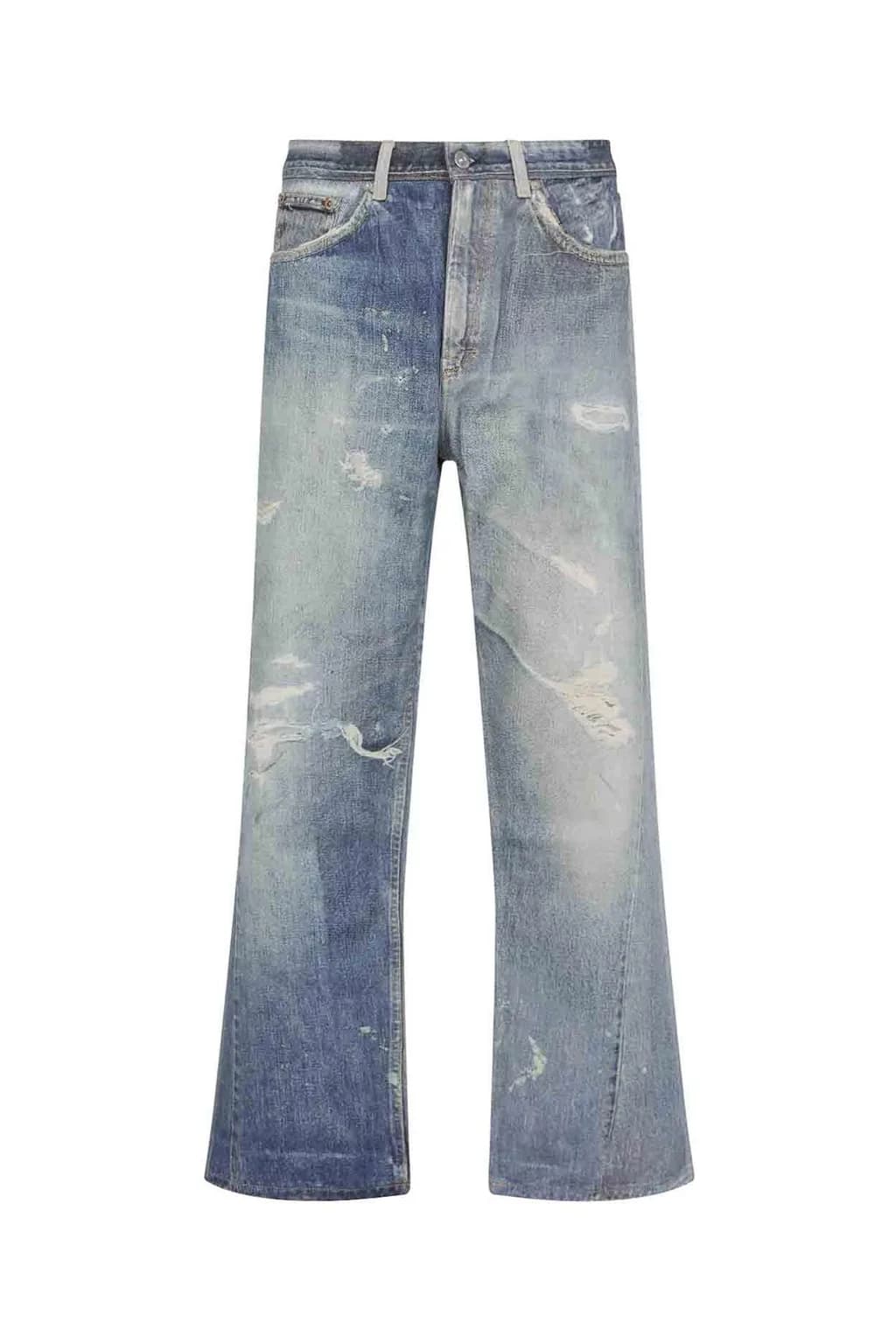
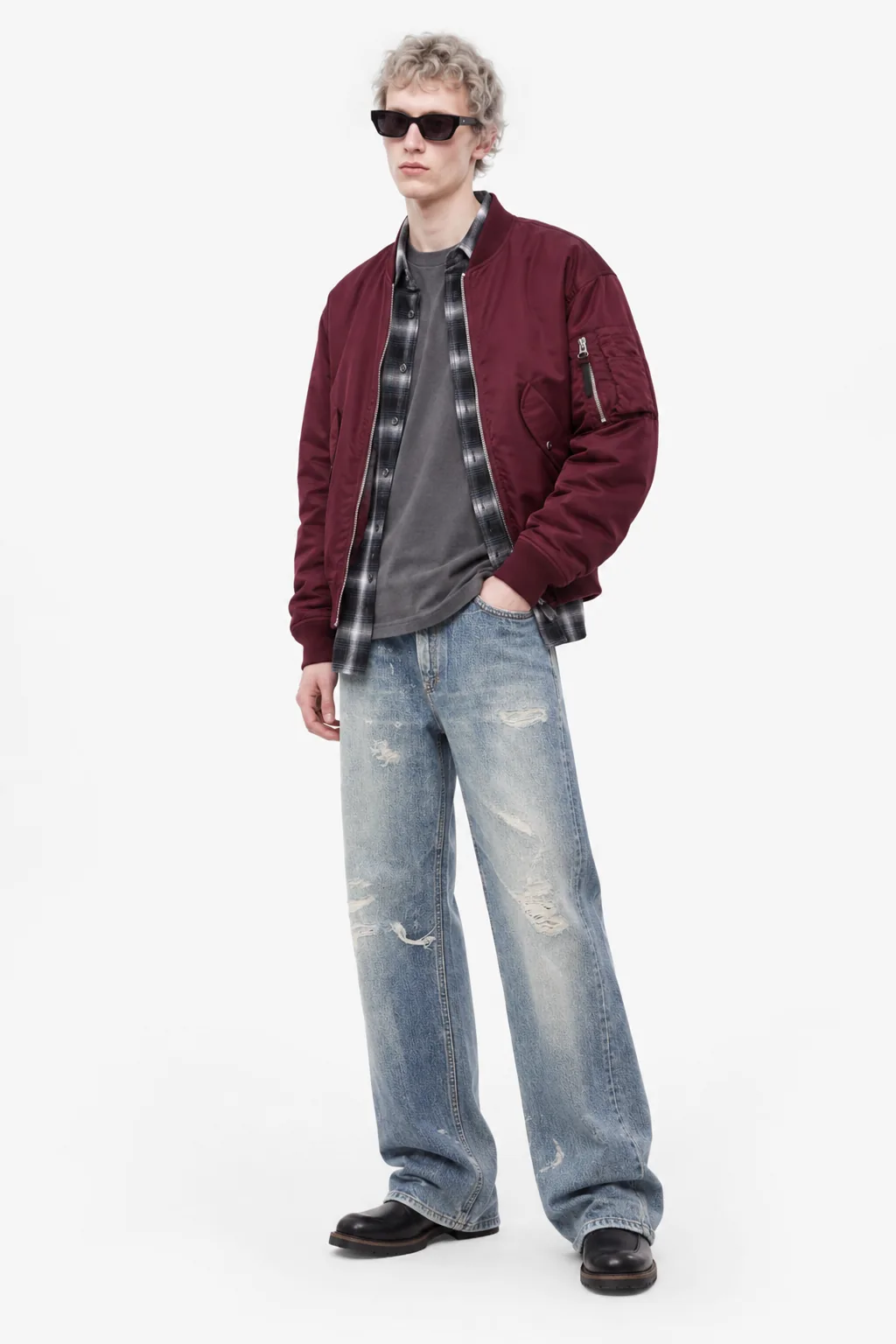
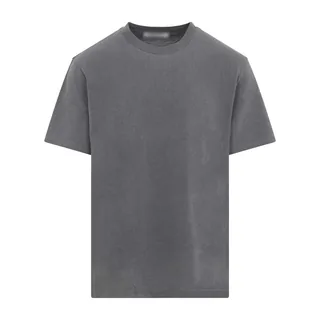
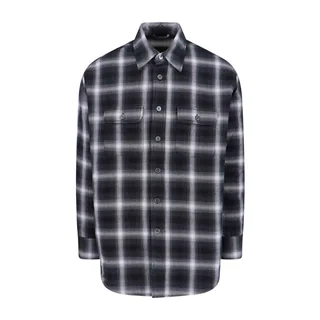
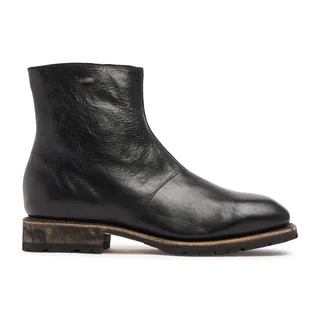
01How it works
From one garment to a finished PDP
Any product image.
Packshot, flat lay, ghost mannequin or on-model, the asset you already have.
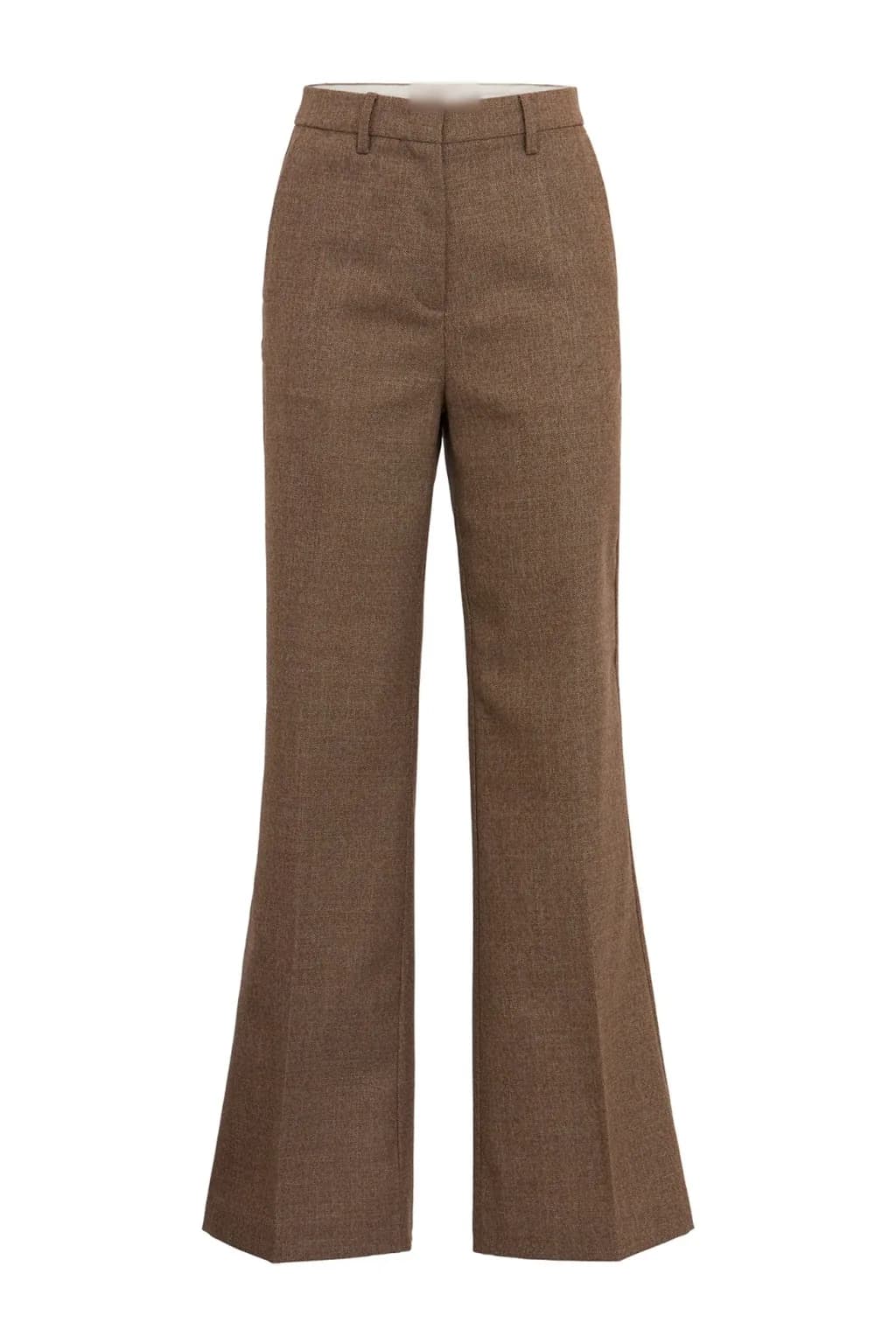
Accepted inputs
- PackshotShown here
- Flat lay
- Ghost mannequin
- On-model
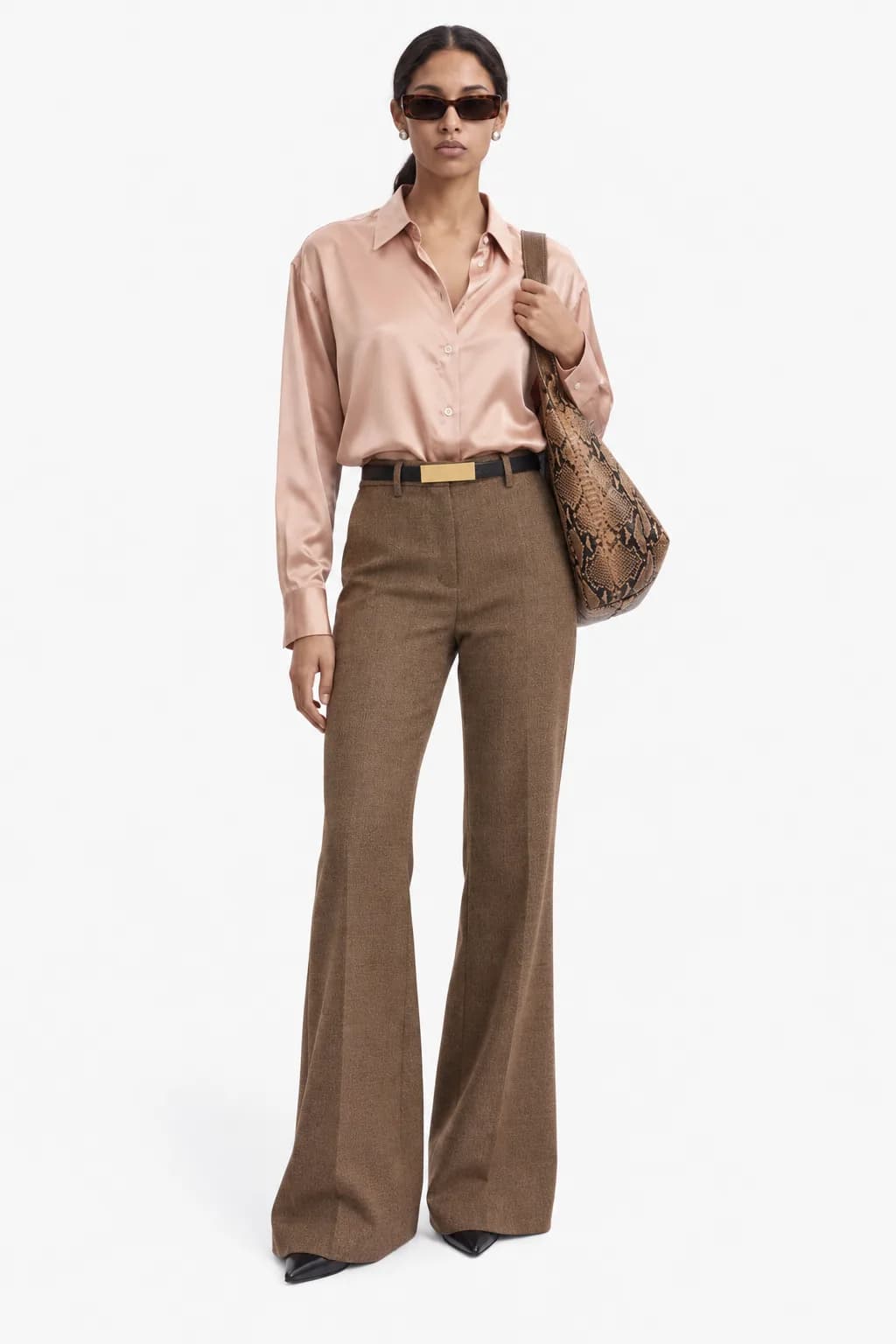
The styling agent builds the look.
It reads category, silhouette, colour and material, picks coordinated pieces and resolves layering, so the result reads as a deliberate outfit, not a random pairing.
- Category
- Trousers
- Silhouette
- High-rise, flared
- Colour
- Brown
- Material
- Melange weave
Coordinated pieces
- Pink satin shirt
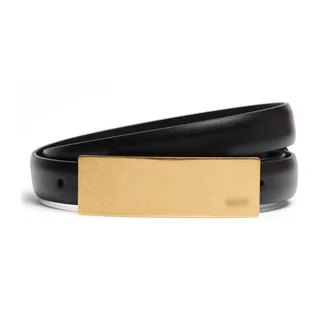
- Black belt, gold buckle
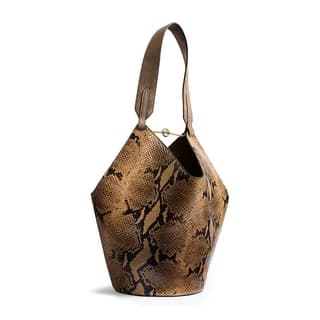
- Python-print bucket bag
Layering resolved: shirt tucked in, belt at the waist.
Your brand rules shape it.
Model types, framing, backgrounds, styling do's and don'ts, and which combinations are on-brand.
Constraint layer
- Model type
- From your casting
- Framing
- Full length, front
- Background
- Light studio, seamless
- Do
- Tonal outfits
- Don't
- Competing prints
Published to the PDP.
Generation, look composition, brand checks and publishing are chained, with 99% less human intervention. An optional approval step can sit before the image goes live on your e-commerce platform.
- Generation
- Look composition
- Brand checks
- Approval (optional)
- Published
02Brand rules
Your rules, applied to every look.
Your brand guidelines sit on the styling logic as a constraint layer: model type, framing, background, styling do's and don'ts, and which combinations are on-brand. Encode them once and every look across the catalog follows them, whatever the garment.
- Model type
- Framing
- Background
- Styling do's
- Styling don'ts
- On-brand combinations
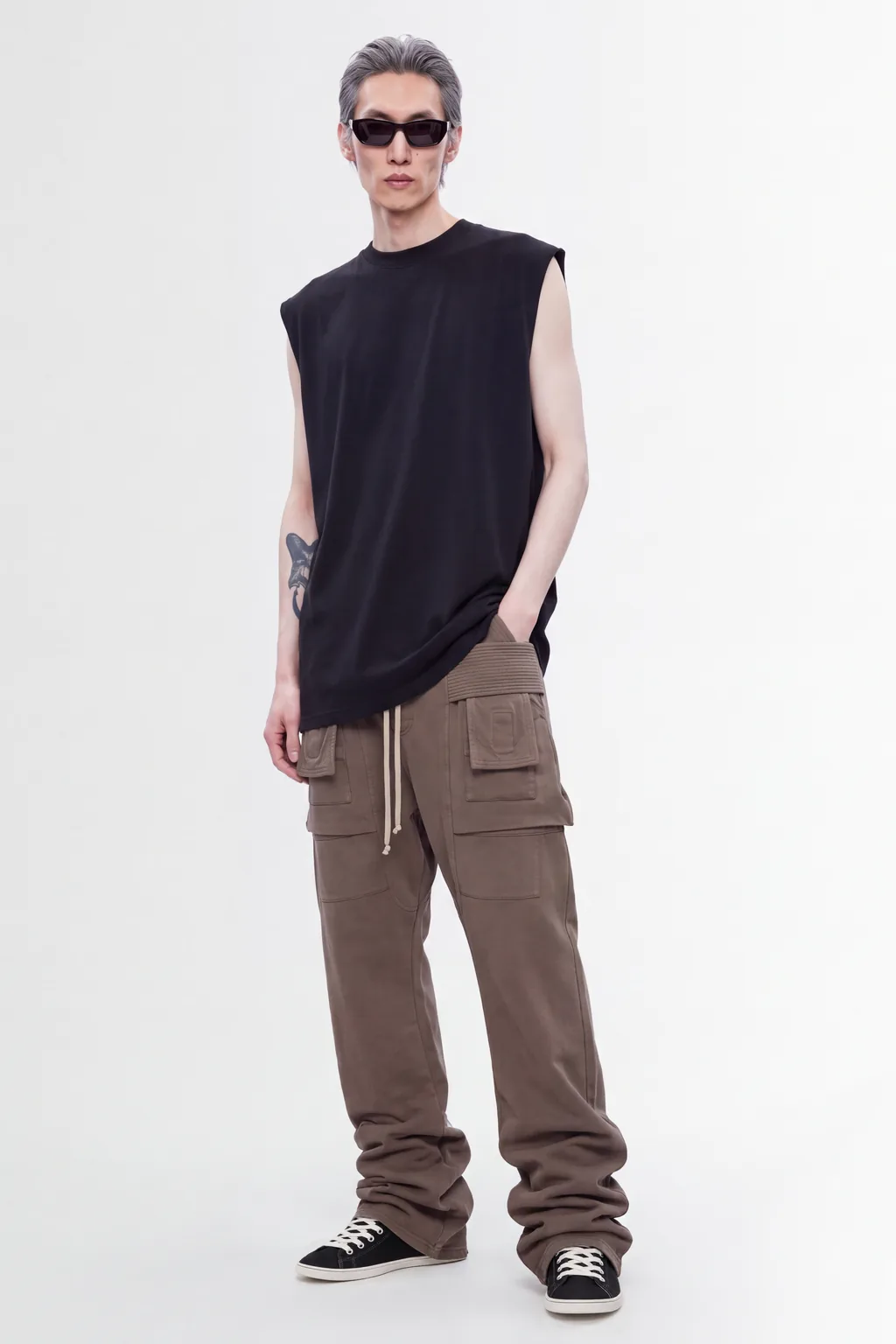
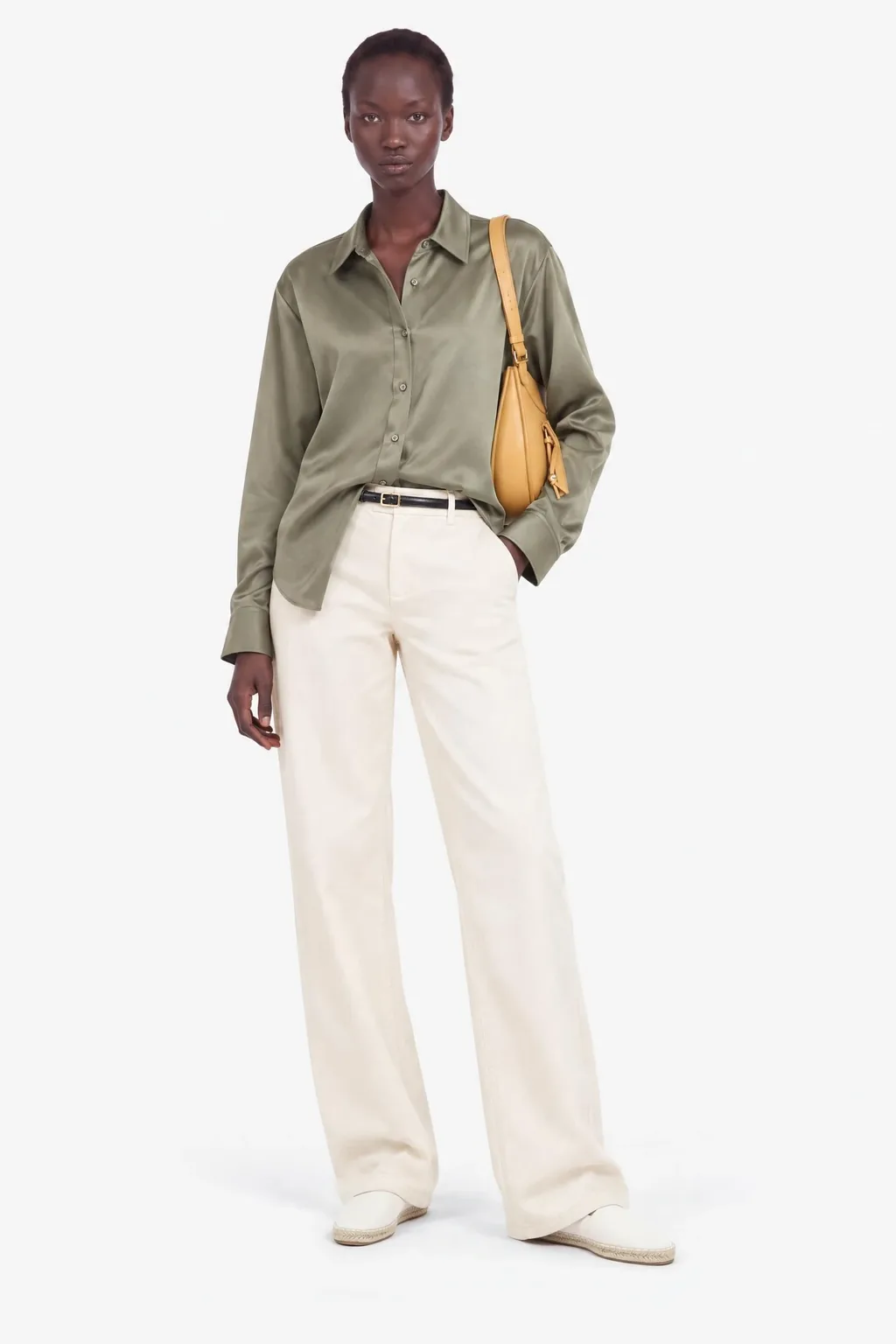
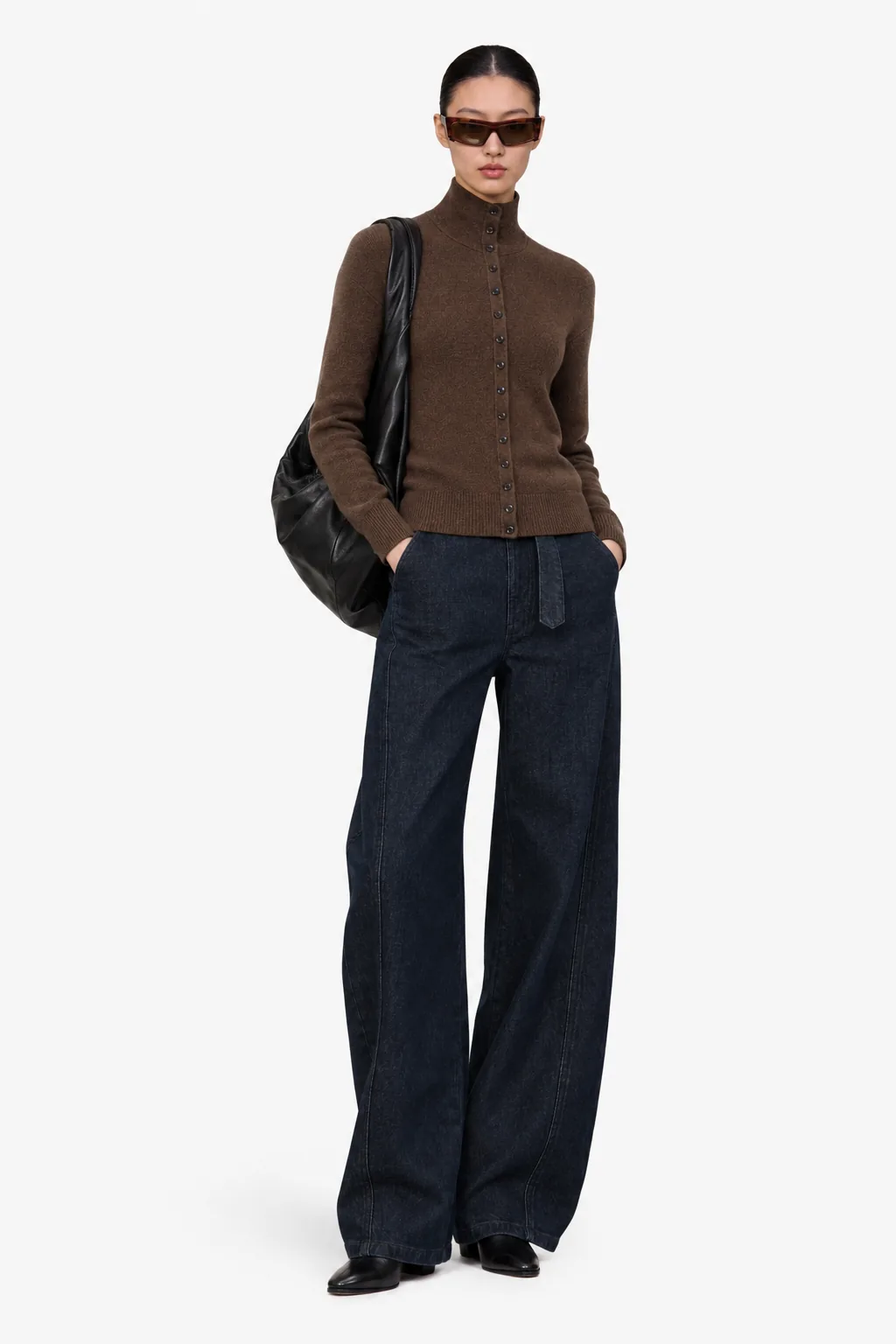
Three rule sets, three garments from the catalog. Each set fixes model type, styling, background and framing for every look it produces.
03Batch
Ten SKUs or ten thousand. Same rules.
Point the pipeline at a set of SKUs, for example a CSV export of a season's drop, and get a complete look for each one in a single run. Styling and brand rules are encoded once, so scaling PDP production becomes a matter of input volume, not headcount.
| SKU | Category | Colour | Status |
|---|---|---|---|
| CRG-TPE | Cargo trousers | Taupe | Look readyQueued |
| CHK-BLU | Check shirt | Blue check | Look readyQueued |
| SLK-SGE | Silk shirt | Sage | Look readyQueued |
| CRD-BRN | Cardigan | Brown | Look readyQueued |
| TNK-BLK | Tank top | Black | Look readyQueued |
| DNM-WHT | Jeans | White | Look readyQueued |
| More rows in the file | |||
- Look readyQueuedCargo trousersTaupe
- Look readyQueued
 Check shirtBlue check
- Look readyQueuedSilk shirtSage
- Look readyQueuedCardiganBrown
- Look readyQueuedTank topBlack
- Look readyQueuedJeansWhite
04Case study
In production at LuisaViaRoma for over a year
The pipeline behind a 10,000+ SKU luxury catalog
- SKUs
- 10,000+SKUsIn the LuisaViaRoma catalog.
- saved per year
- €1.5Msaved per yearAt LuisaViaRoma.
- per image
- €0.50–2per imageFrom €15–50+ (-90%).
05Why it matters
The bottleneck was never the photo. It was the look.
Manual look creation is the slow, expensive part of fashion content: stylists, samples, models and a shoot per item. Automate it and new products go live as soon as a single image exists. Every PDP following the same styling and brand rules.
I
Consistency
Every PDP follows the same rules.
II
Speed
Publish when the first image exists.
III
Cost
The per-SKU cost of a complete look drops sharply. At LuisaViaRoma, cost per image goes from €15–50+ to €0.50–2 (-90%).
06Platform
Built on a complete content pipeline
Look creation runs on the same platform that handles post-production, on-model galleries (front, ¾, side, back), still life, video from stills and multi-language product copy.
- Post-productionCleanup and background work on the asset you already have.
- On-model galleriesFront, ¾, side, and back.
- Still lifeProduct stills on white or a set background.
- Video from stillsShort product video from the stills.
- Product copyMulti-language descriptions in the same pipeline.
MCP server
Your AI assistant can run the pipeline too.
AIORA exposes a Model Context Protocol (MCP) server, so AI agents can use the full fashion content pipeline as tools, from catalog search to on-model image generation, without a custom integration.
Read the MCP server guide- Search products by brand, category and gender.
- Read your brand guidelines and styling rules.
- Compose looks and generate on-model and still-life images, in batch.
- Connect with an API key, scoped to your organization.
Works with any MCP-compatible client, including Claude, Cursor and ChatGPT.
07Getting started
Start with your own catalog
The complete content production engine, deployed for your brand.
We run a short PoC on your real catalog and your brand rules. You measure the result, then we scale.
- Book a call
01
Proof of Concept
A short PoC on your real catalog. You measure the result, then we scale.
- Full pipeline access
- Runs on your real catalog
- Measure ROI
- Book a call
02
Standard
Brand rules encoded once, onboarding, and an SLA for ongoing catalog production.
- Brand rules & style guides
- Dedicated onboarding & SLA
- Batch production across the catalog
- Book a call
03
Enterprise
A custom integration with your e-commerce platform, multi-brand support, and priority support.
- Custom CMS integration & API
- Multi-brand support
- Priority support
Self-serve plans for smaller teams
Free
€0/month
- 20 credits a month
- 5 AI models
- 5 environments
Creator
€49/month
€499 a year
- 200 credits a month
- 500 PDP descriptions
- Save images to the gallery
Team
€199/month
€1,999 a year
- 1,000 credits a month
- CSV bulk uploads
- Up to 3 people
Business
€999/month
€9,999 a year
- 5,500 credits a month
- Up to 10 people
- Dedicated support
08FAQ
Questions about look creation
Can AIORA build a full outfit from a single product photo?
Yes. From one garment image, the styling agent selects coordinated pieces and produces a complete look worn on a model, ready for the product page.
How are brand guidelines applied?
Brand guidelines are applied as a constraint layer on top of the styling agent, controlling model type, framing, backgrounds, and which product combinations are on-brand. The same input can produce different on-brand looks for different brands.
Does look creation work in batch?
Yes. You can point the pipeline at a set of SKUs, such as a CSV export, and generate a complete look for each one in a single run, with the same styling and brand rules applied across the catalog.
Is the workflow fully automated from shot to publish?
Generation, look composition, brand checks, and publishing to your e-commerce platform are chained. The workflow needs 99% less human intervention. An optional approval step can sit before publish.
See your own catalog styled automatically.
Send us a few SKUs and your brand guidelines. We'll show you the looks.