
AI Content Production for Seasonal Fashion Collections: How to Launch Thousands of SKUs Without a Studio
A launch-window playbook for enterprise brands, multi-brand retailers, and DTC teams who need every SKU live with images, video, and copy.
Seasonal fashion collections break when product visuals at scale still wait on a studio. Enterprise brands and multi-brand retailers face thousands of SKUs, a fixed launch window, and a cost that grows with the catalog. Catalog-scale content production has to ship on-model photos, still-life, video, and copy in every language before the drop goes live. AIORA turns that capacity problem into one pipeline, with fast turnaround: minutes to publish, against the three or more weeks a traditional shoot cycle takes.
LuisaViaRoma, founded in Florence in 1930 and selling online since 1999, carries over 600 luxury brands to customers in over 200 countries. The LuisaViaRoma case study records 10,000+ SKUs, a 90% cost per image reduction, and €1.5M annual savings.
TL;DR
- One product photo becomes five PDP content types in one run: on-model, still-life, video, copy, and editorial.
- The same pipeline replaces a stack of 4–6 tools plus an agency, and publishes in minutes instead of 3+ weeks.
- LuisaViaRoma's published result: 10,000+ SKUs, €0.50–€2 per image versus €15–€50+ for a shoot plus post, 90% cost reduction, €1.5M annual savings.
- Weekly drops use the same saved model and style, with CSV bulk upload on the Team and Business plans.
Why seasonal launches break traditional production
A seasonal intake is a capacity problem. Physical shoots need a studio, a photographer, stylists, models, and post-production. Seasonal time pressure means thousands of SKUs that must be photographed and published within tight windows. Cost scales with the SKU count: another brand or another drop means more shoot days.
Consistency slips when different teams shoot on different days. Product pages also need copy, video, and editorial assets. Fashion photography automation, including fashion brand photography workflow software, is how that list fits a launch window. The homepage states the production contrast: one platform versus 4–6 tools plus an agency, and scalability against 50–100 products per shoot. New arrivals, a weekly drop calendar, and supplier images from a multi-brand catalog can enter one workflow.
What platforms help fashion brands create product visuals at scale for seasonal launches?
AI content production platforms take any product image and return on-model photos, still-life, video, and copy in bulk. Judge them on bulk input, one model and style across the catalog, several content types per SKU, and CMS-ready export. AIORA runs that as one pipeline, steps 00–06. See the best AI fashion photography platforms guide.
A platform that can carry a season accepts a bulk CSV, holds one model and one style across every batch, produces several content types per SKU, and exports CMS-ready files with product codes attached. AIORA's version of that checklist is numbered 00–06 on the homepage. The platforms guide is the comparison. The rest of this page is the launch window: what to lock before the season, how intake week works, and the published per-image economics.
The seasonal content pipeline, step by step
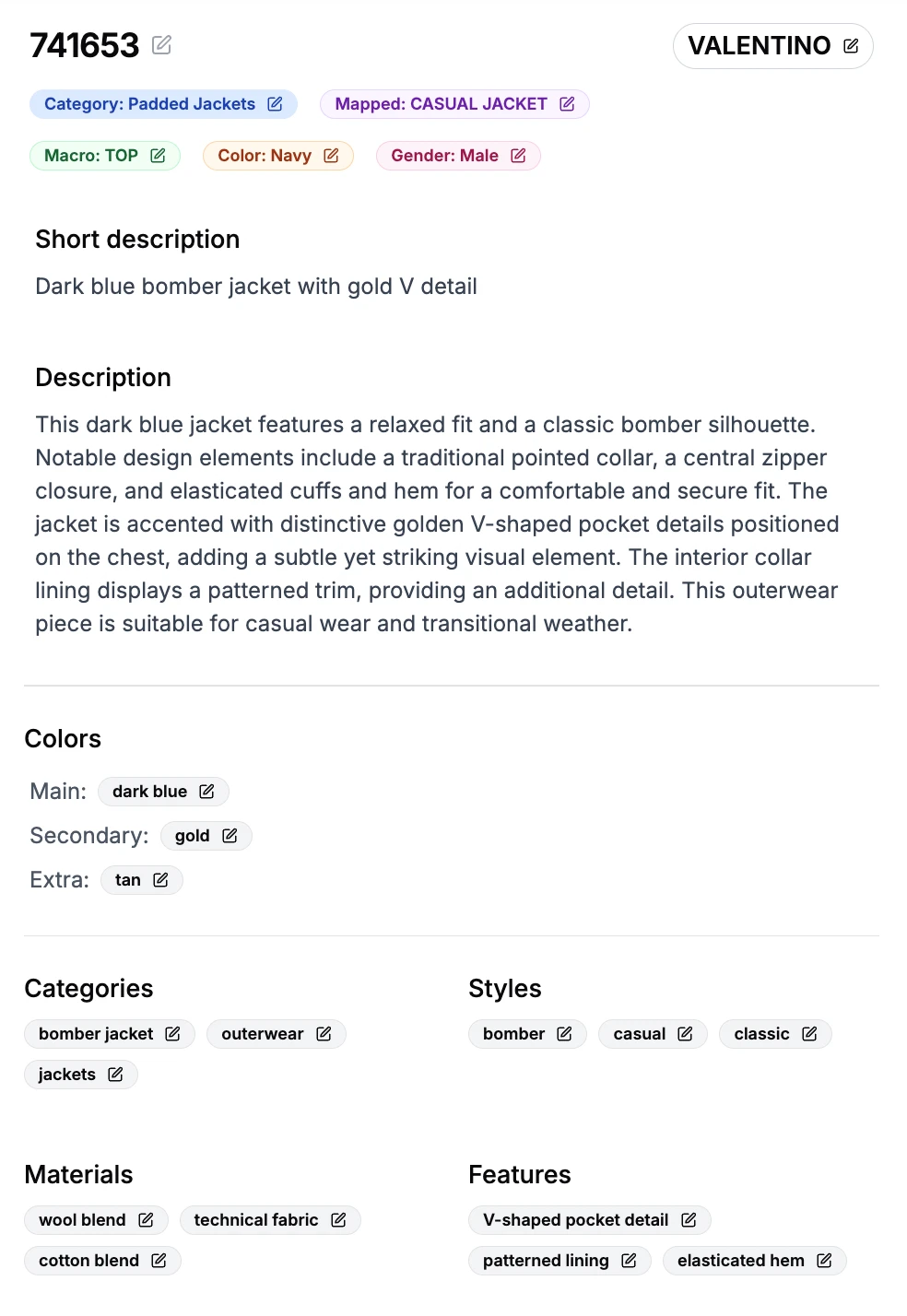
One input image becomes the PDP. The case study counts five content types from that image: on-model, still-life, video, copy, and editorial. The homepage calls the same outcome one product photo in, a full e-commerce page out. The graphic below is the homepage pipeline, steps 00–06.
Input
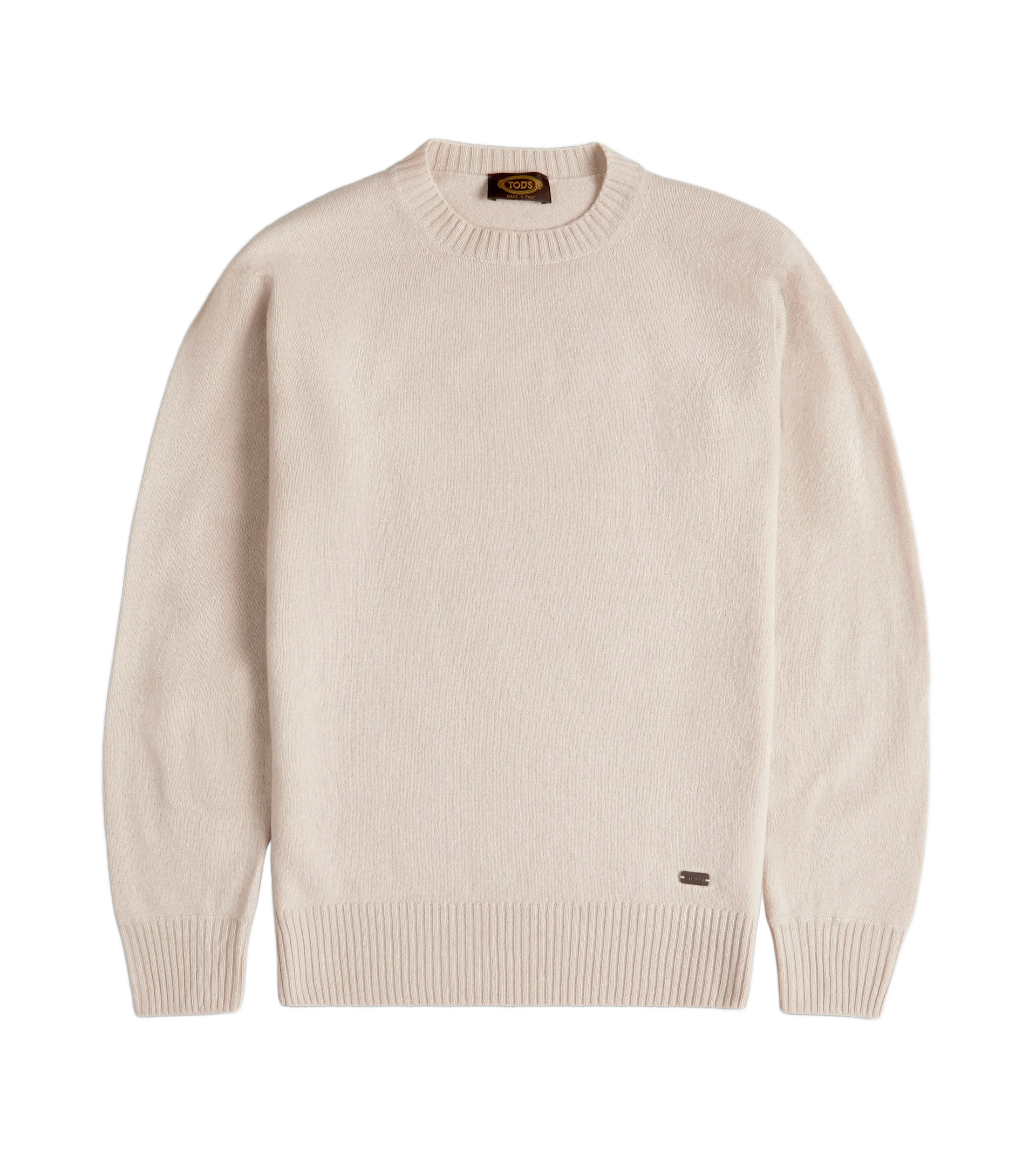
Post-Production
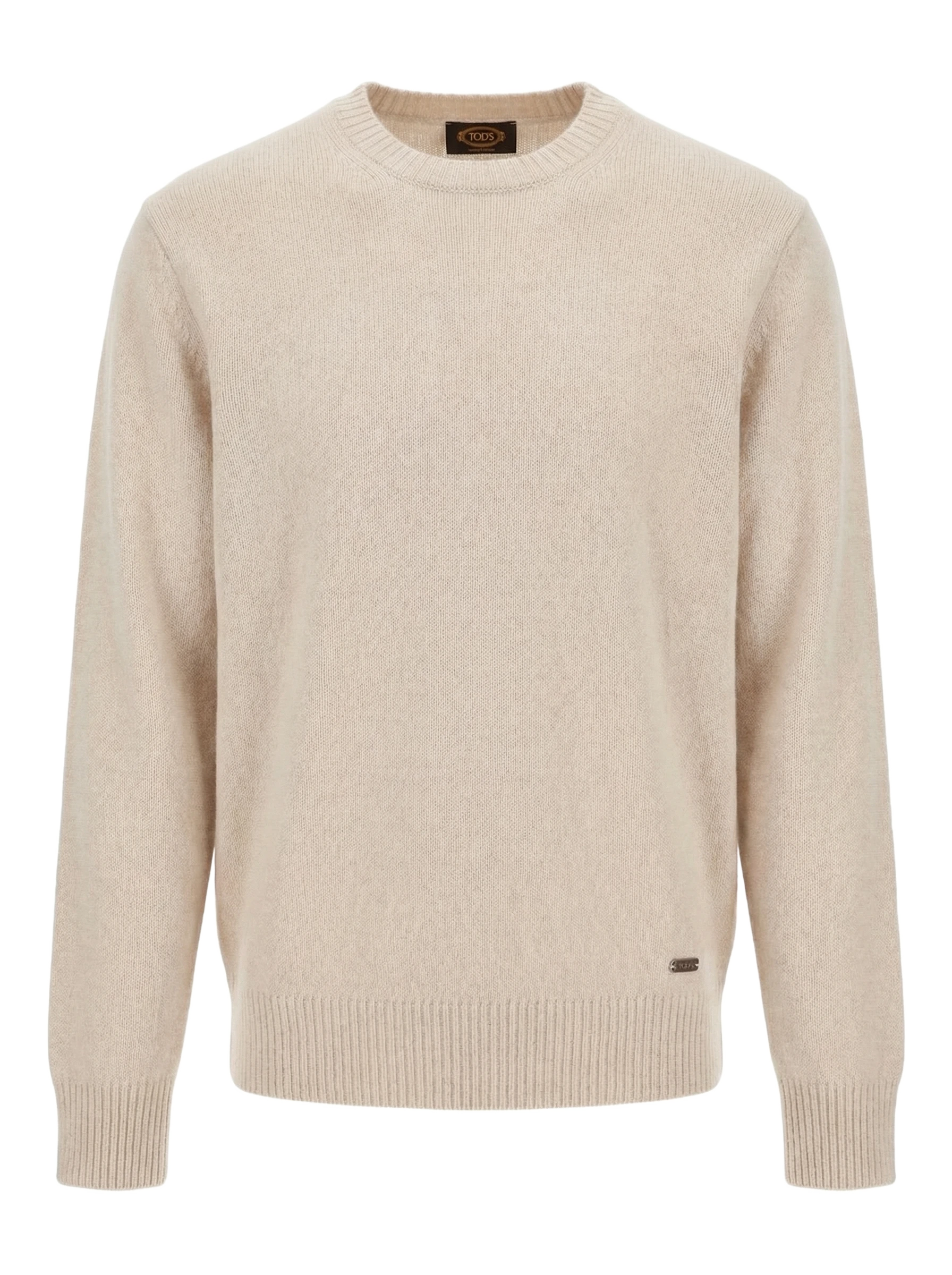
On-Model
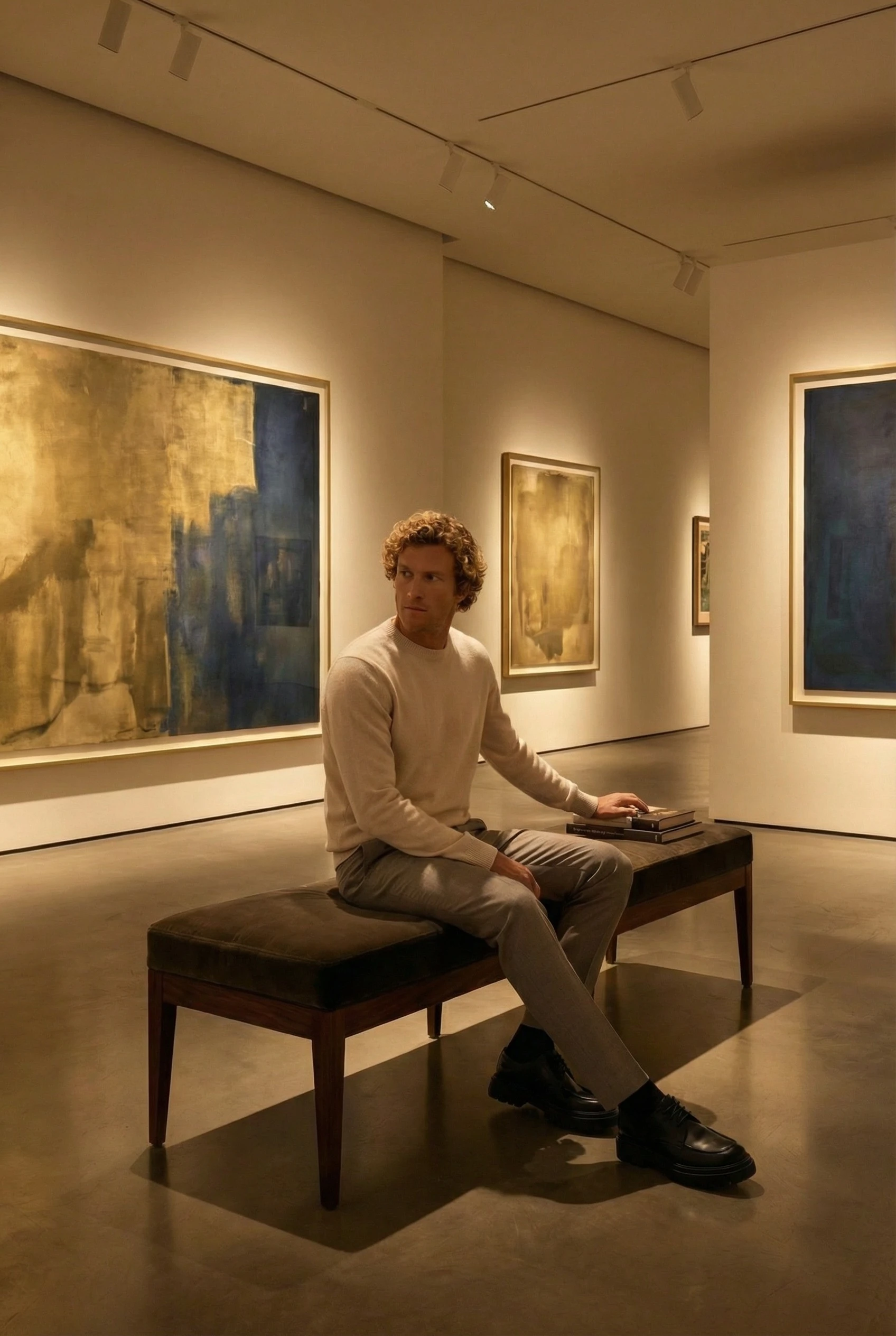
Editorial
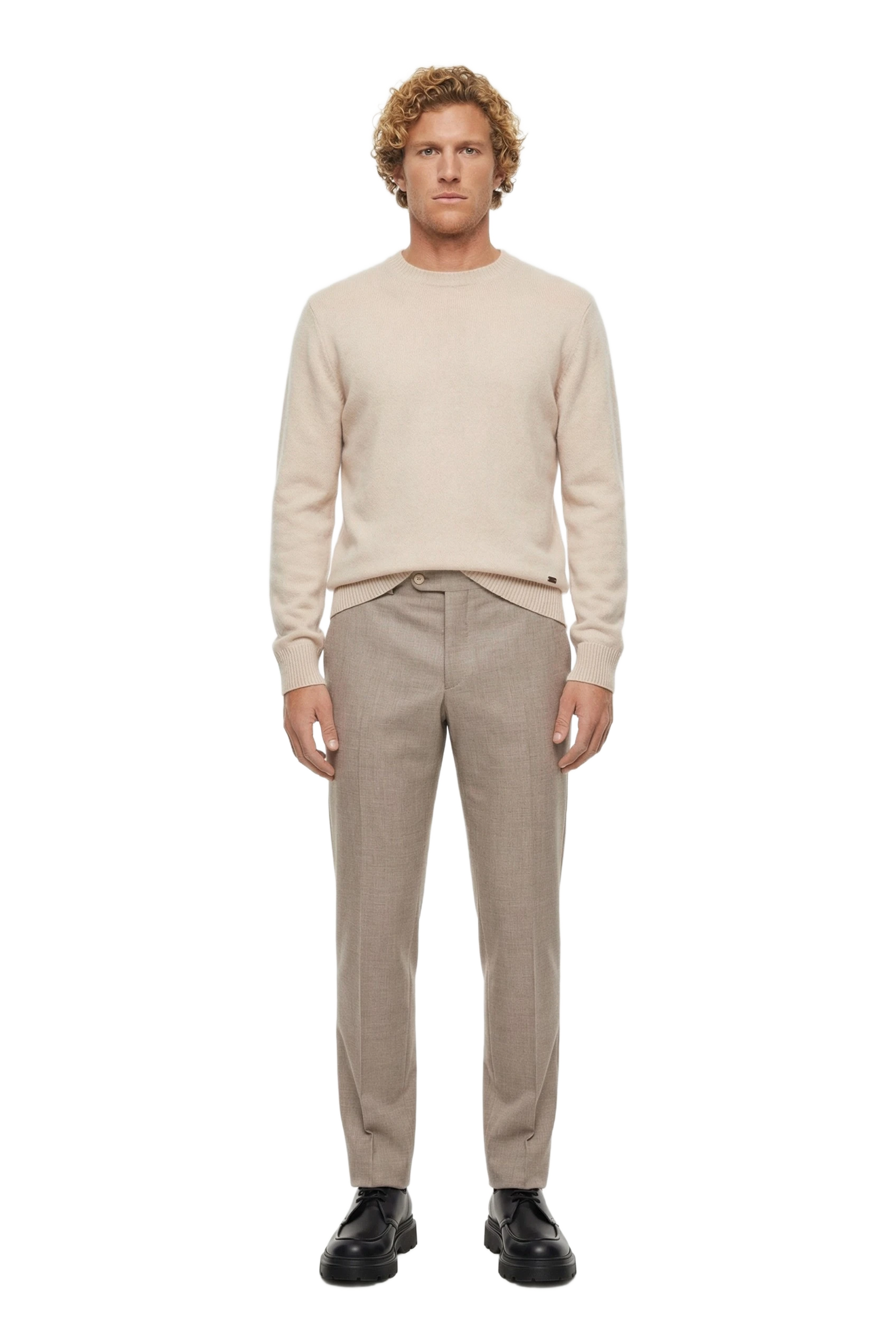
Video
Copy & Translations
Review & Export
00 Input
Start with the file on hand: a phone photo, a ghost mannequin or lay-flat, or a packshot. The homepage line is any angle, any quality. Supplier images are the usual multi-brand case. Ghost mannequin AI covers mannequin and product-only frames that still need a clean catalog asset.
01 Post-production
Post-production standardizes that input before a model is generated. Background removal, ghost mannequin, upscaling and retouching, and color correction sit here. Later outputs inherit the cleaned product.
02 On-model
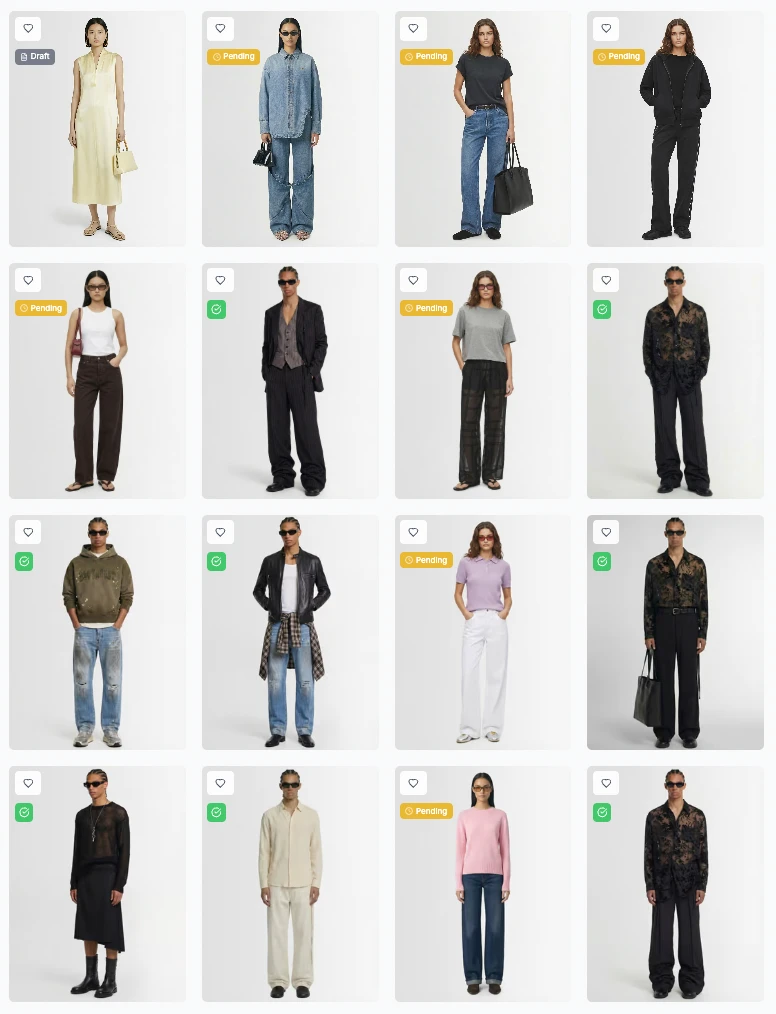
On-model is AI model selection, virtual try-on, and the four e-com poses: front, three-quarter, side, and back. The same model runs across the catalog. AI fashion photography covers the on-model output. Automated look creation is the path when a PDP needs a styled outfit around the garment.
03 Editorial
Editorial sets environment, lighting, and campaign-ready frames, with multiple angles. This is the lookbook layer on the same product. Lighting and setting are chosen once and reused, which is what keeps styling consistent on the product page.
04 Video
Video is generated from the stills, in social-ready formats. The clip for paid social and the PDP gallery comes from the image you already approved.
05 Copy and translations
Copy and translations produce product descriptions and SEO copy per locale, with brand tone preserved. The homepage shows IT, EN, FR, DE, ES, and ZH. Copy leaves in the same run as the pictures.
06 Review and export
Review and export is a team approval flow, then bulk export in CMS-ready formats with product codes linked. A person approves, then the files leave with the codes your CMS already uses. Teams publishing those files on an EU store also have a labeling question under Article 50 of the EU AI Act, covered in EU AI Act labeling for AI fashion images. Agents can make the same handoff through the MCP server and API.
What should a fashion catalog image production platform include?
Accept any input image, then post-production (background removal, ghost mannequin, upscaling, color correction), on-model shots with catalog-wide consistency, still-life, video from stills, and multilingual copy. Add team approval and bulk export with product codes linked. That checklist is AIORA pipeline steps 00–06.
Fashion SKU photography automation has to cover the page: worn shots, still-life, the clip, the words, and a file the CMS can place. Steps 00–06 are that list, in order.
How do fashion brands scale product photography across hundreds of seasonal SKUs without a studio?
Start from images you already have: a packshot, a ghost mannequin or flat lay, or a phone photo. Bulk-upload them by CSV, generate the four e-com poses (front, three-quarter, side, back) on the same AI model, then review and bulk-export. LuisaViaRoma runs this path across 10,000+ SKUs.
Collect supplier or internal photos as goods arrive. Upload them in bulk by CSV, including thousands of SKUs in a single session. Generate on-model frames on one saved model, in the four e-com poses. Review in the team approval flow and export with product codes linked. LuisaViaRoma started with new arrivals and packshot cutouts. The photo you can get today is the input, and the page is the output.
Planning a seasonal intake on AI: a launch-window playbook
The calendar is the part a tool list leaves out: what you lock before goods arrive, what happens at intake, what launch means for the CMS, and what you still produce after the drop. Published speed is minutes to publish versus 3+ weeks, and new arrivals with full visual content within hours of receiving the physical product.
Before the season
Lock the AI models, the poses, the still-life styles, and the brand rules before the first carton lands. Still-life has 14+ preset styles, including marble, concrete, botanical, fabric, and metallic. Then run a 2-week Proof of Concept with full pipeline access, and measure ROI on a real slice of the next drop.
Intake weeks
As product arrives, bulk-upload by CSV and batch by category. Category batches keep the review queue readable, so one department can be approved while the next delivery is still a phone photo or a supplier packshot. The input standard stays any angle, any quality, then post-production.
Launch
Launch is review, approve, and export. CMS-ready assets go out with product codes linked, and copy for every locale leaves in the same run. IT, EN, FR, DE, ES, and ZH are the locales the homepage shows. The export is a product page.
In-season
New arrivals and social video continue after launch. The case study calls this creative flexibility: teams can test styles, models, and environments without reshooting. Re-style a hero or cut a clip from an approved still inside the rules you locked pre-season. New arrivals can be published with full visual content within hours of receiving the physical product.
How do you keep styling consistent across thousands of SKUs and several drops?
Keep the same AI models, lighting, and style on every batch, and reuse still-life presets. AIORA publishes 14+ of those presets. Enterprise adds brand rules and style guides so later drops inherit the look. LuisaViaRoma moved from variable results across shoot days to uniform models, lighting, and style.
Proof: LuisaViaRoma, 10,000+ SKUs
LuisaViaRoma is a multi-brand retailer: over 600 luxury brands, customers in over 200 countries, e-commerce since 1999, founded in Florence in 1930. The seasonal intake is the job this page describes. Supplier images in, one look out, on a deadline. The published headline figures are 10,000+ SKUs, a 90% cost per image reduction, and €1.5M annual savings. The rollout replaced a multi-vendor production chain with a single integrated workflow.
AIORA was founded by Marco Ritratti, former Chief Operating Officer at LuisaViaRoma. The production problem on this page is the one the platform was built around.
The work landed in phases. Phase 1 was on-model photography from packshot cutouts, starting with new arrivals, uploaded in bulk via CSV. Phase 2 added still-life in 14+ preset styles: marble, concrete, botanical, fabric, metallic. Phase 3 added multi-language product copy. The summary line on the case study is 90% cost reduction, 10,000+ SKUs, and seconds per image versus hours.
| Metric | Before | After |
|---|---|---|
| Cost per product image | €15–€50+ (shoot + post) | €0.50–€2 (AI generation) |
| Time per product | Hours to days | Seconds to minutes |
| SKUs | Limited by studio capacity | 10,000+ SKUs |
| Visual consistency | Variable across shoot days | Uniform — same models, lighting, style |
| Content types from a single image | 1 (photo only) | 5 (on-model, still-life, video, copy, editorial) |
| Overall cost reduction | — | 90% |
Read the full LuisaViaRoma case study for the phased rollout. For how luxury teams split volume production and hero campaigns, see AI fashion photography for luxury brands.
Plan your next season on AIORA: start a 2-week Proof of Concept
Full pipeline access on a real slice of the intake, then measure ROI before the launch window closes.
Which platforms work for mid-size and DTC brands launching new collections weekly?
Weekly drops need self-serve access, CSV bulk upload, and a saved model and style. AIORA Team is €199/month, includes CSV bulk uploads, and seats up to 3 members. Business is €999/month, seats up to 10 members, and adds custom integrations. DTC stores can also sync with the Shopify app.
A weekly collection reuses the model, the poses, and the still-life styles from the previous drop, then takes a new CSV. DTC brands on Shopify can push finished assets with the Shopify app. The store workflow is in AI product photography for Shopify fashion stores. Plan details sit on pricing.
How much does it cost to produce a full seasonal collection or lookbook with AI?
LuisaViaRoma published the useful benchmark: €15–€50+ per product image for a shoot plus post, versus €0.50–€2 for AI generation, and a 90% overall cost reduction. Model your own SKUs and image count in the ROI calculator before you lock a season budget.
A lookbook uses the same pipeline, so editorial, still-life, and on-model poses are outputs of one image. Image count per SKU and the number of locales move the total. Put your catalog into the ROI calculator. For where a traditional shoot still earns its place, see how to reduce content production costs.
Frequently Asked Questions
Can AI handle a whole seasonal intake, or only part of the catalog?
A full intake can start as a slice. LuisaViaRoma began with new arrivals, then widened coverage. AI is the volume path. Hero campaigns can stay on a traditional shoot. The luxury guide calls this the hybrid approach: AI for the seasonal intake, studio time for the few images that define the brand.
What input images do we need?
A studio set is not required. The input step takes a phone photo, a ghost mannequin or lay-flat, or a packshot. The homepage states the bar as any angle, any quality. Post-production then removes the background, can build a ghost mannequin, upscales and retouches, and corrects color before on-model work.
Do product descriptions and translations come out in the same run?
Yes. Step 05 writes product descriptions and SEO copy per locale in the same run as the images, with brand tone kept. The homepage shows Italian, English, French, German, Spanish, and Chinese: IT, EN, FR, DE, ES, and ZH. Copy is one of five content types from a single image.
How do assets get into our CMS or Shopify?
A team approval flow comes first. Bulk export then writes CMS-ready files with product codes linked. Shopify stores can use the Shopify app. Developers can call the REST API, and the MCP server lets an agent run the same pipeline. Enterprise adds a custom CMS integration.
How do we test it before a full season?
Book the published two-week Proof of Concept. You get full pipeline access and measure ROI on a real slice of the intake before a season is committed. After that, Standard covers unlimited SKU volume, brand rules, onboarding, and an SLA. Enterprise adds custom integration, an API, multi-brand support, and priority.
Can multi-brand retailers keep one look across many brands' supplier images?
Yes, when one model, lighting, and style is applied to mixed supplier photos. Enterprise includes multi-brand support for that. LuisaViaRoma carries over 600 luxury brands and moved from visuals that varied across shoot days to a uniform result: the same models, lighting, and style on every SKU.
Plan your next season on AIORA: start a 2-week Proof of Concept
Full pipeline access on a real slice of the intake, then measure ROI before the launch window closes.
Related resources
- LuisaViaRoma case study
- ROI calculator
- Pricing and self-serve plans
- AI fashion photography
- Ghost mannequin AI
- Automated look creation
- Best AI fashion photography platforms
- Reduce content production costs
- MCP server and API
- Shopify fashion stores
- AI fashion photography for luxury brands
- EU AI Act labeling for AI fashion images